Expenses & receipts
Photograph the bill. The bookkeeping happens.
Send a photo or a PDF of any bill. Fisqel reads the supplier, the date, the amount and the VAT, picks the category, and tells you exactly what will be claimed before anything is recorded.
On every plan. Each plan includes a number of receipt scans a month; typed expenses are never counted.
ADNOC Distribution · AED 100.00
Date: 24 Oct 2026
Category: Fuel & Transport
VAT: AED 4.76 — claimed on your VAT return
Record it
Recorded — EXP-2026-00082. ADNOC Distribution, AED 100.00. Marked paid.
How it works
- 1
Send the receipt
A photo or a PDF. Add a word in the caption if you like: a project, a note.
- 2
Check what was read
Supplier, date, category and VAT, with what will be claimed on your return.
- 3
Tap Record it
Or “I paid cash”, or Fix. The receipt image is filed with the entry it supports.
What you get
VAT claimed only when it's allowed
Input VAT is marked recoverable only when the document supports it: a tax invoice with the supplier's TRN, a recoverable category.
Duplicates caught
The same bill sent twice is flagged before it's booked twice.
Supplier bills
Bills you'll pay later are kept as payables, with due dates, until you record the payment.
Photos, PDFs and voice notes
Whatever you have. “Paid 450 for parking, cash” is enough.
The supplier's TRN checked
Fisqel reads the TRN on the bill, so you know whether the VAT claim will stand.
Every receipt kept
The image stays attached to its entry, ready for your accountant or an FTA audit.
In the app
Every receipt, filed and searchable.
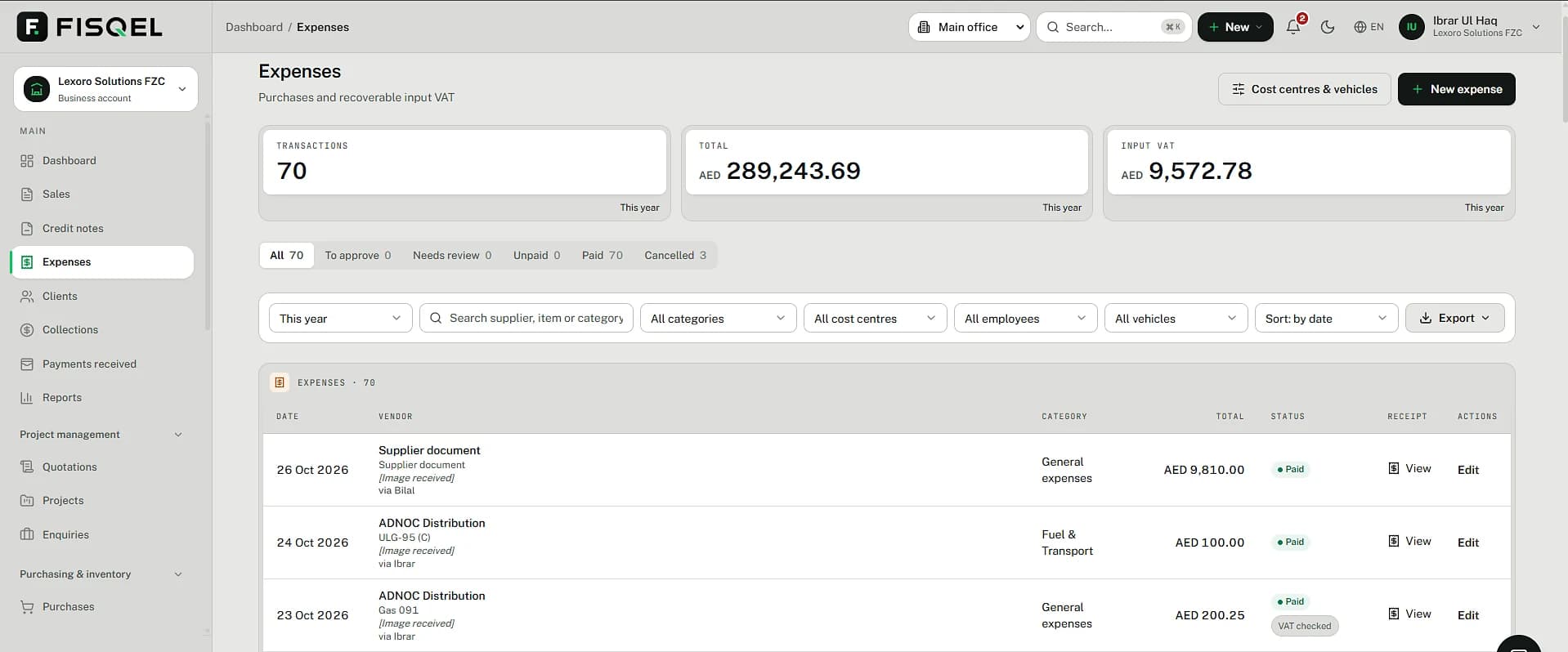
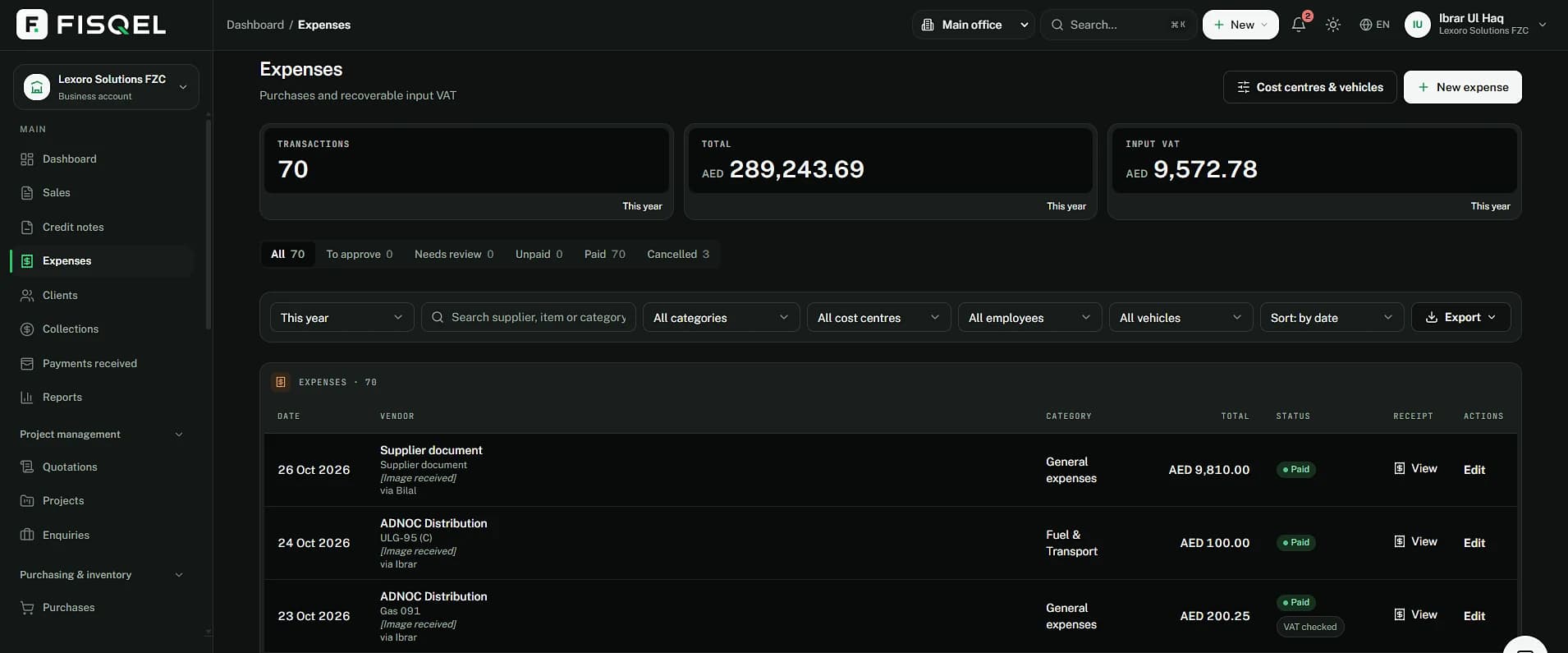
The Expenses page shows what was spent, the input VAT you can recover, who sent each receipt and the image behind it, with filters by category, cost centre, employee and vehicle.
Behind the message
Split correctly, the first time.
The cost goes to its category, the VAT to what the FTA owes you, and the payment out of cash or bank. Nothing waits for a month-end clean-up.
The AED 4.76 appears on your next VAT return as recoverable input tax.
| Account | Debit | Credit |
|---|---|---|
| Fuel & transport | 95.24 | |
| VAT recoverable (input VAT) | 4.76 | |
| Bank | 100.00 | |
| Balanced | 100.00 | 100.00 |
Questions
What counts as a receipt scan?
Every receipt or supplier bill Fisqel reads for you, from a photo or a PDF. Expenses you type, invoices you send and questions you ask are never counted.
What if the receipt has no TRN?
Fisqel records the expense but doesn't claim the VAT, and tells you why. If you later get a proper tax invoice, send it and the VAT is claimed.
Can I record an expense without a receipt?
Yes. Type or say it. Fisqel records it without claiming VAT, since there is no document to support the claim.
Where are the images stored?
In private storage, opened only through short-lived signed links, and attached to the entry they support.
More of what Fisqel does
Invoicing
UAE tax invoices from one message: VAT on each line, your design, sent as a PDF, payments matched.
Learn moreVAT returns
Every line classified as you trade, so your Form 201 figures are ready when the period ends.
Learn moreQuotations & projects
Quote in a message, turn it into an invoice when it's accepted, and see what each job really earns.
Learn moreTeam & approvals
Staff send receipts from their own WhatsApp. You approve with a tap; Fisqel tracks who's owed what.
Learn more
Keep your books the way you run your business.
Start free — no card needed. Set up in an afternoon.
Free plan · No card needed · English and Arabic