VAT returns
Your VAT return, prepared as you go.
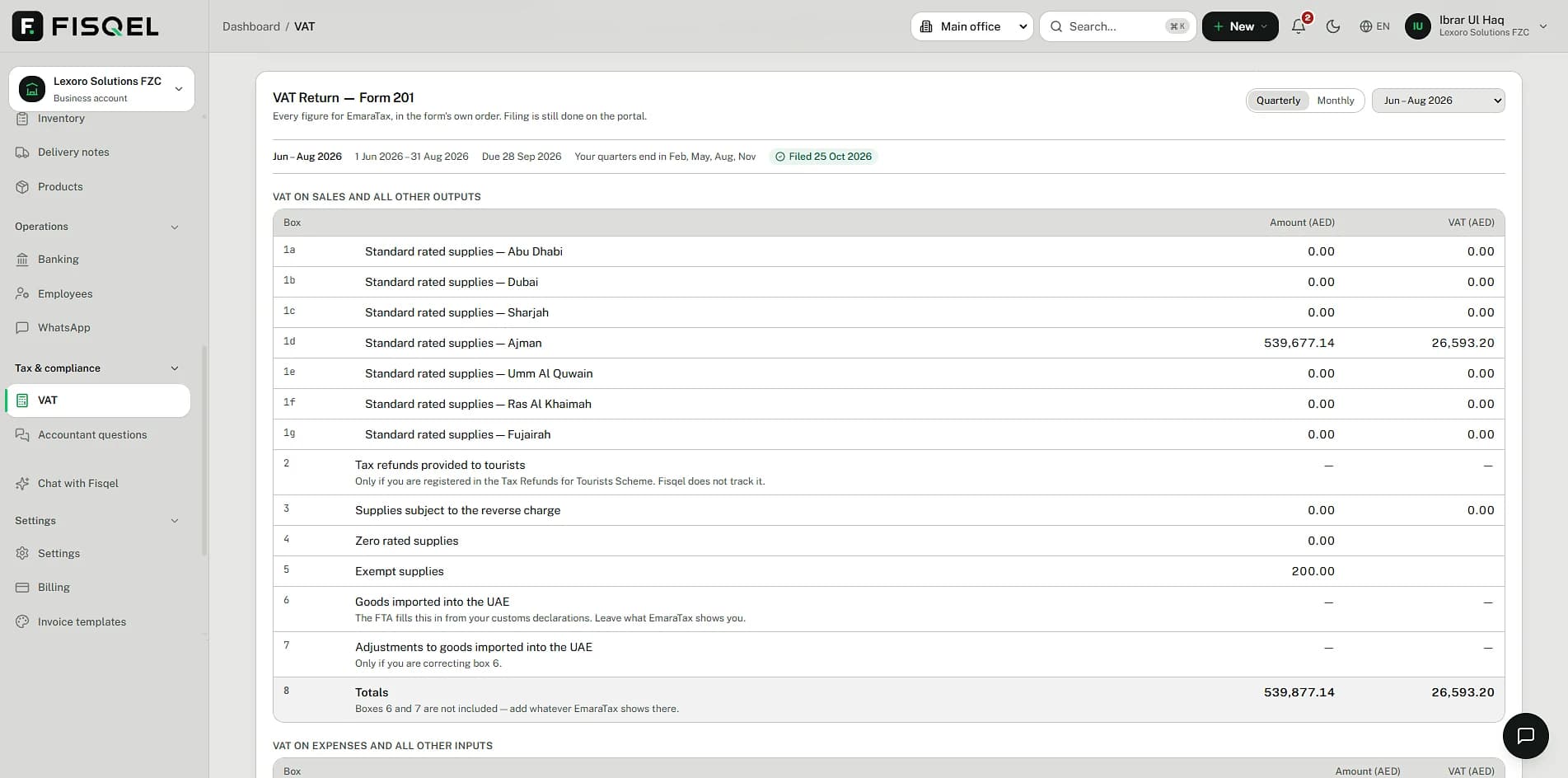
Each line is classified the moment it's recorded: standard-rated, zero-rated or exempt. When the period ends, every Form 201 figure is already there, split by emirate, in the form's own order.
VAT on every invoice and expense on every plan. The VAT return page is on Business and Pro.
When is my vat return
Your last return, Jun – Aug 2026, is recorded as filed on 25 October 2026.
Next VAT return: due 28 December 2026 (in 61 days). It covers Sep – Nov 2026.
That period is still running, so there is no final figure yet.
Figures are an estimate until the return is reviewed. File on EmaraTax.
12:34 AMHow it works
- 1
Trade as normal
Invoices and expenses are classified for VAT as they're recorded.
- 2
Check the period
The VAT page shows every box for the quarter or month, and anything that needs a look.
- 3
File and lock
Copy the figures into EmaraTax, then mark the period filed so it can't drift.
What you get
Form 201, box by box
Standard-rated supplies by emirate, zero-rated, exempt, reverse charge and recoverable input tax.
Your FTA schedule
Quarterly or monthly periods, starting on the month the FTA gave you.
Filed periods locked
Once a return is filed, its figures can't change. Late entries fall into the next open period.
Reminders before the deadline
Fisqel tells you on WhatsApp when a return is coming up, and what it's likely to be.
Ambiguous lines flagged
When a treatment isn't clear, Fisqel asks rather than guessing.
For your accountant
A read-only login and an Excel workbook of the return with every document behind each box.
In the app
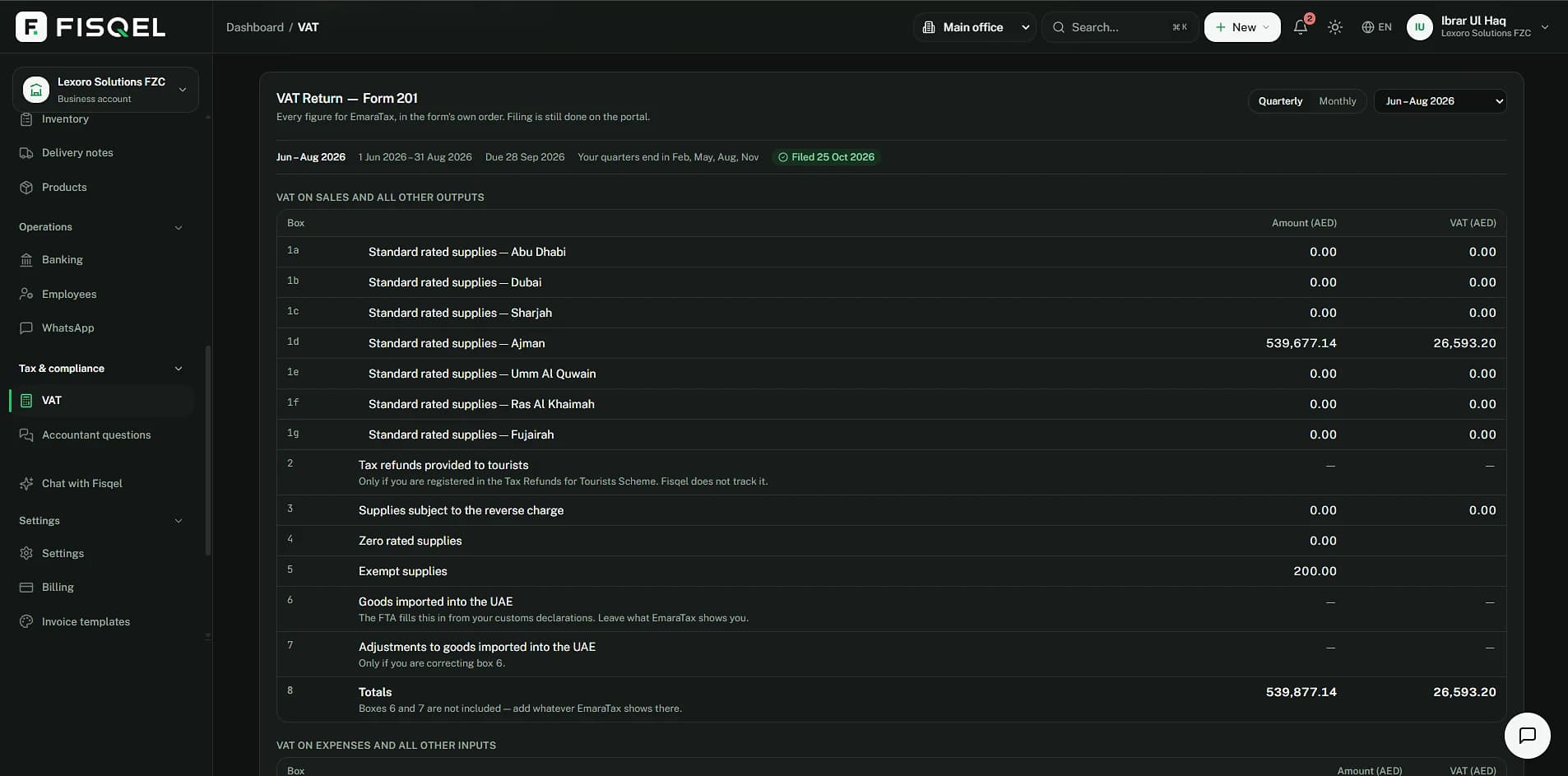
Form 201, box by box.
The VAT page lays out every figure in the form's own order, standard-rated supplies by emirate, for any quarter or month, with the period's due date and whether it's filed.
Behind the message
The return comes straight from the ledger.
Output VAT from your invoices, input VAT from your expenses. The figure you file is the balance of the two, worked out from posted entries rather than rebuilt at the deadline.
Sample figures from the invoice and the fuel receipt on the other pages.
| Account | AED |
|---|---|
| Box 1b · Standard-rated supplies, Dubai — output VAT | 582.50 |
| Box 9 · Standard-rated expenses — recoverable VAT | −4.76 |
| Box 14 · Payable tax for the period | 577.74 |
Questions
Does Fisqel file the return for me?
No. Fisqel prepares every figure; you or your accountant submit it on EmaraTax. That keeps the filing in your hands, as the FTA expects.
What about reverse charge on imports?
Imported services and goods under the reverse charge are shown in their own boxes, with the VAT both charged and recovered where you're entitled to.
Can I change a filed period?
Not quietly. A filed period is locked; to correct it you reopen it deliberately, and the change is logged.
My business has branches in two emirates. Does that work?
Yes. Sales are split by emirate, as Form 201 requires.
More of what Fisqel does
Invoicing
UAE tax invoices from one message: VAT on each line, your design, sent as a PDF, payments matched.
Learn moreExpenses & receipts
Photograph a bill. Fisqel reads it, checks the VAT you can claim and files the image with the entry.
Learn moreQuotations & projects
Quote in a message, turn it into an invoice when it's accepted, and see what each job really earns.
Learn moreTeam & approvals
Staff send receipts from their own WhatsApp. You approve with a tap; Fisqel tracks who's owed what.
Learn more
Keep your books the way you run your business.
Start free — no card needed. Set up in an afternoon.
Free plan · No card needed · English and Arabic