Quotations & projects
Quote in a message. Know what each job earns.
Send a quotation the same way you send an invoice. When the customer agrees, it becomes the invoice. Name a project in any message, and every cost lands on it.
Quotations are on Business and Pro. Projects are on every plan.
Quotation for smoke test trading
Supply and fixing of interlock 200 sqm 75 aed
White cement 20 bags 50 aed each
Add vat
Quotation working draft
Client: Smoke test trading LLC
1. Supply and fixing of interlock200 sqm × AED 75.00
2. White cement20 bags × AED 50.00
Subtotal: AED 16000.00
VAT: 5% — AED 800.00
Total: AED 16800.00
This is a reversible working draft. Saving creates an editable quotation in Commercial.
10:14 AMSave quotation
Quotation QUO-2026-00012 was saved as an editable draft and its PDF was sent.
How it works
- 1
Type the quotation
Customer and lines, as you'd text them. Fisqel drafts it with VAT.
- 2
Save and send
The quotation is saved as an editable draft and the PDF goes to your customer.
- 3
Invoice when agreed
One step turns the accepted quotation into a tax invoice, with the same lines.
What you get
Versions, not overwrites
Revise a quotation and the earlier version is kept, so you can see what was offered when.
Costs on the right job
Add the project to a receipt's caption, “villa 12”, and the cost goes on that project.
What each job earns
Billed, spent and margin per project, against the contract value and the cost budget.
Milestones and variations
Bill by milestone, record variations, and keep the contract value up to date.
Retention
Retention held on each invoice is tracked until it's released.
A statement per project
Everything invoiced, paid and spent on one job, ready to share.
In the app
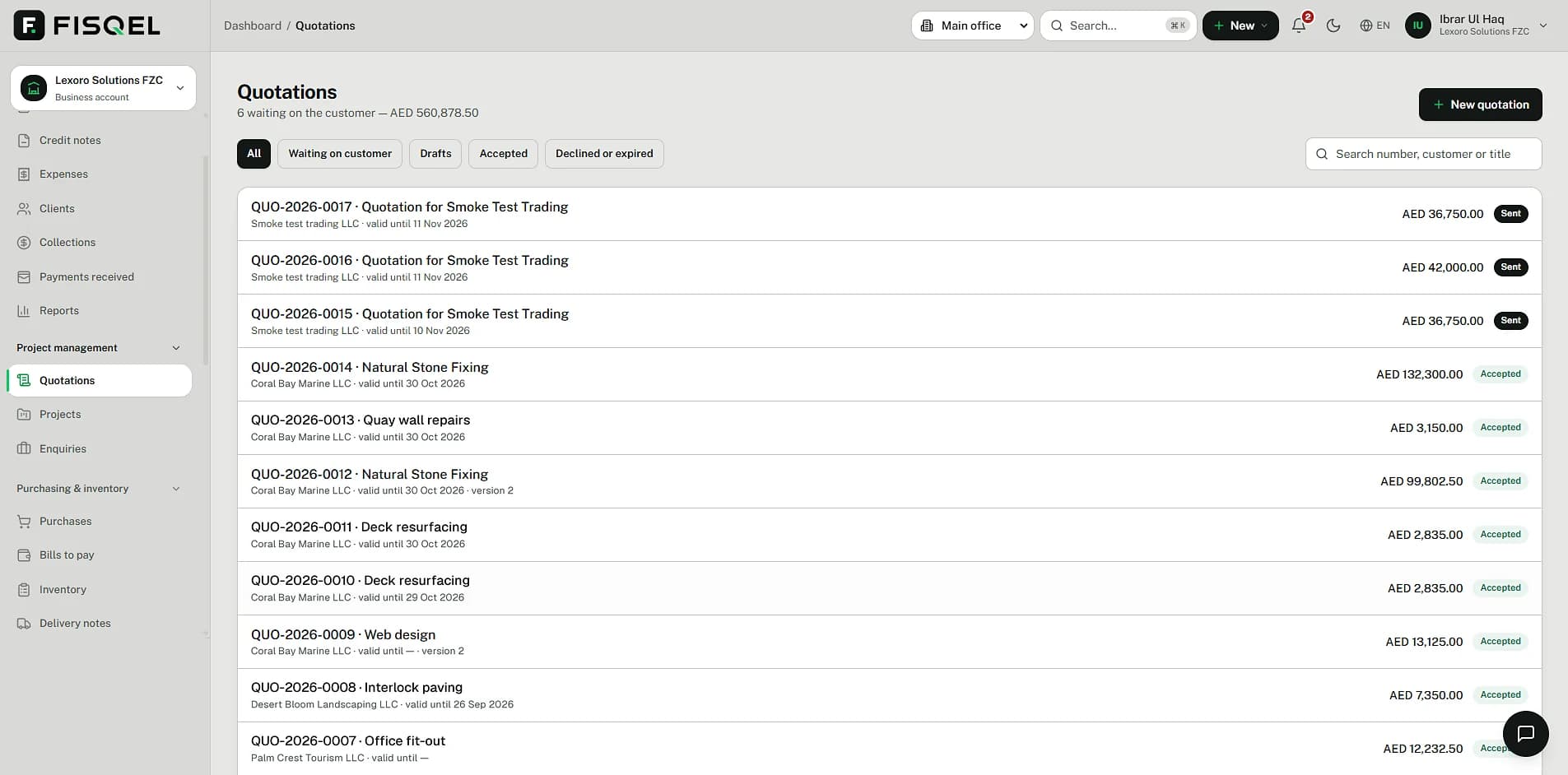
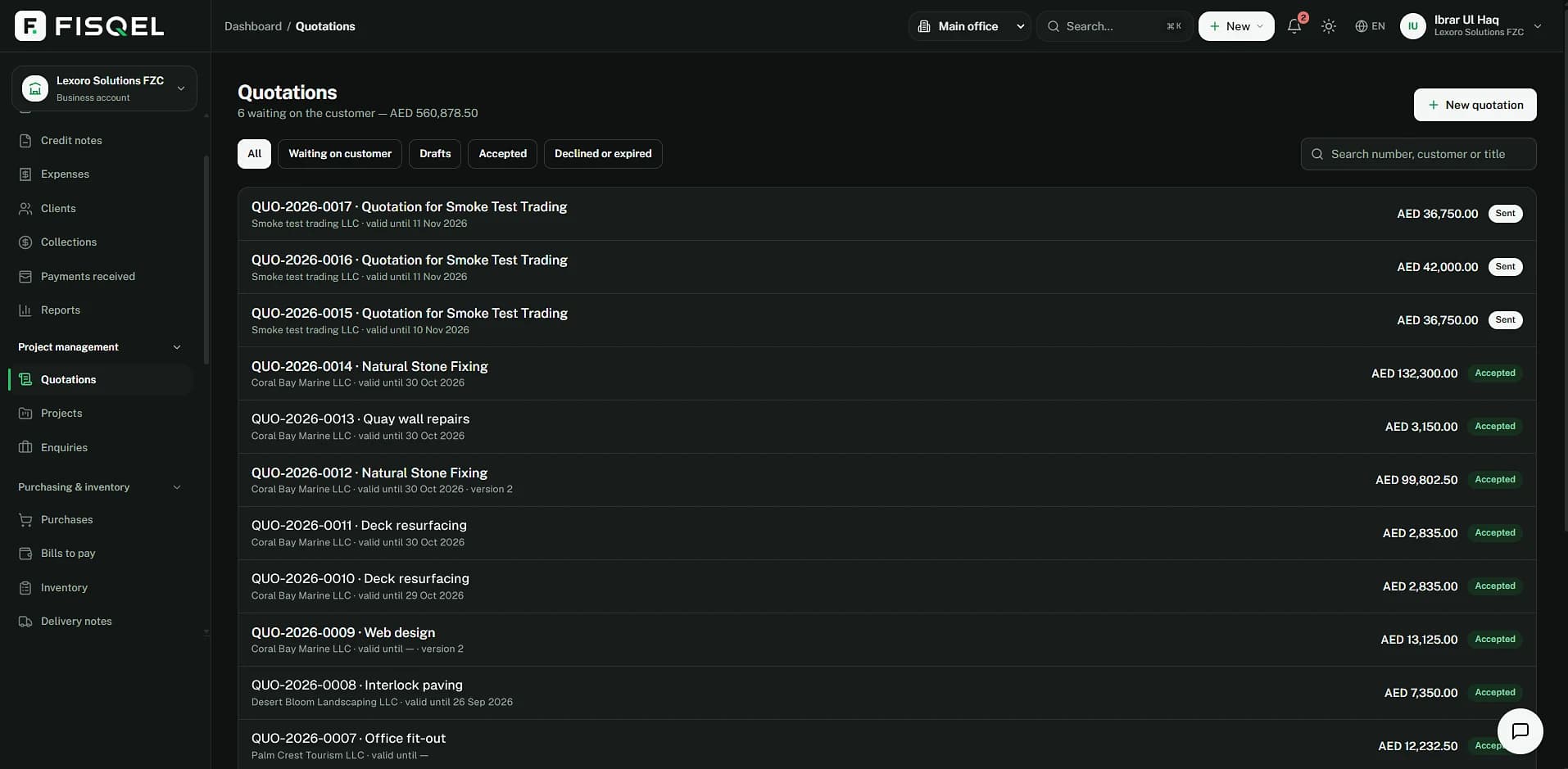
Every quotation, and where it stands.
The Quotations page shows what's waiting on the customer and its value, what's been accepted, and each quotation's version and validity.
Behind the message
A quotation isn't booked. The costs are.
Nothing reaches the ledger until the quotation becomes an invoice. Costs you put on a project are booked like any expense, and tagged to the job.
Villa 12's cost goes up by AED 2,200; the VAT is recovered, not counted as a cost.
| Account | Debit | Credit |
|---|---|---|
| Building materials — Villa 12 | 2,200.00 | |
| VAT recoverable (input VAT) | 110.00 | |
| Bank | 2,310.00 | |
| Balanced | 2,310.00 | 2,310.00 |
Questions
Does a quotation count towards my VAT?
No. A quotation is an offer, not a supply. VAT is only due once it's invoiced.
What happens when the customer agrees?
You mark the quotation accepted and turn it into a tax invoice in one step, with the same lines and prices.
Can one bill cover two projects?
Record it as two expenses, one for each project, so each job carries its own share.
Do I need the Business plan for projects?
No. Projects work on every plan. Quotations need Business or Pro.
More of what Fisqel does
Invoicing
UAE tax invoices from one message: VAT on each line, your design, sent as a PDF, payments matched.
Learn moreExpenses & receipts
Photograph a bill. Fisqel reads it, checks the VAT you can claim and files the image with the entry.
Learn moreVAT returns
Every line classified as you trade, so your Form 201 figures are ready when the period ends.
Learn moreTeam & approvals
Staff send receipts from their own WhatsApp. You approve with a tap; Fisqel tracks who's owed what.
Learn more
Keep your books the way you run your business.
Start free — no card needed. Set up in an afternoon.
Free plan · No card needed · English and Arabic