Invoicing
A proper tax invoice from one message.
Type who to bill and for what, the way you'd text it. Fisqel drafts a UAE tax invoice with the right VAT on each line, shows it to you, and sends the PDF when you say so.
On every plan. Free includes 10 invoices a month; paid plans are unlimited.
Create invoice for smoke test trading
White cement 20 bags 245 aed each
Interlock fixing 150 sqm 45 aed each
Add vat
Tax Invoice working draft
Client: Smoke test trading LLC
1. White cement20 bags × AED 245.00 (+5% VAT) = AED 4900.00
2. Interlock Fixing150 sqm × AED 45.00 (+5% VAT) = AED 6750.00
Subtotal: AED 11650.00
VAT: AED 582.50
Grand Total: AED 12232.50
Confirm and send
Original tax invoice INV-2026-00178 - AED 12232.50
How it works
- 1
Type the invoice
The customer, the items, quantities and prices. A voice note works too.
- 2
Check the draft
Fisqel shows each line with its VAT and the total. Edit anything before it's saved.
- 3
Confirm and send
The invoice is numbered, locked as issued, and the PDF goes to your client.
What you get
Every field the FTA expects
Your TRN and your customer's, sequential numbers, VAT per line and in AED, and the words “Tax Invoice”.
Your design
Six professional layouts. Your logo from Starter; stamp and signature on Business and Pro.
Sent from the chat
By email with the PDF attached, or as a link. You see when it has gone.
Payments matched
Say who paid. Fisqel matches it to the invoice, shows what's still due and sends a receipt voucher.
Credit notes, not edits
An issued invoice can't quietly change. Corrections are made with a credit note, as the rules require.
Recurring invoices
Rent and retainers go out on schedule, numbered and booked like any other invoice.
In the app
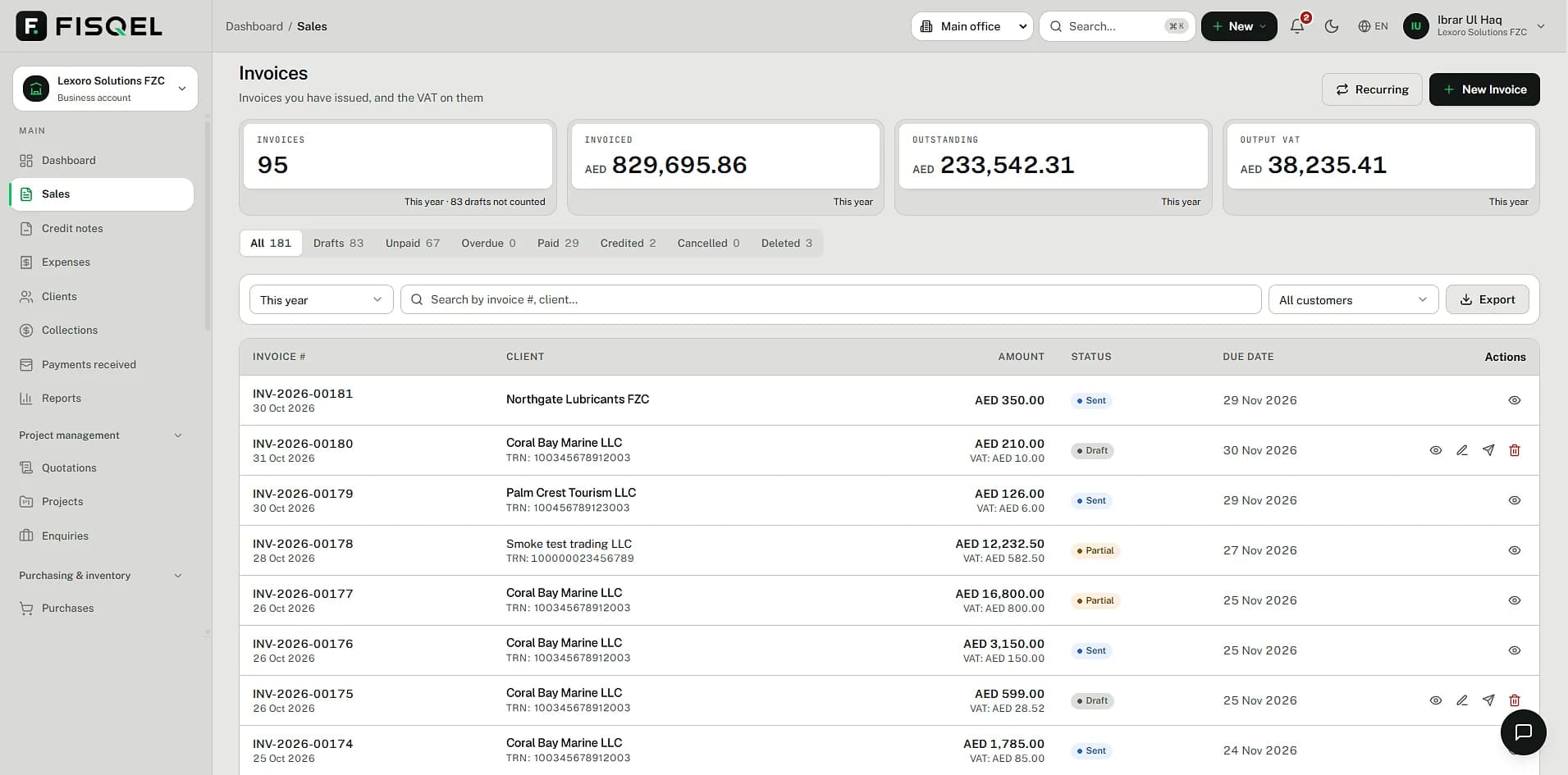
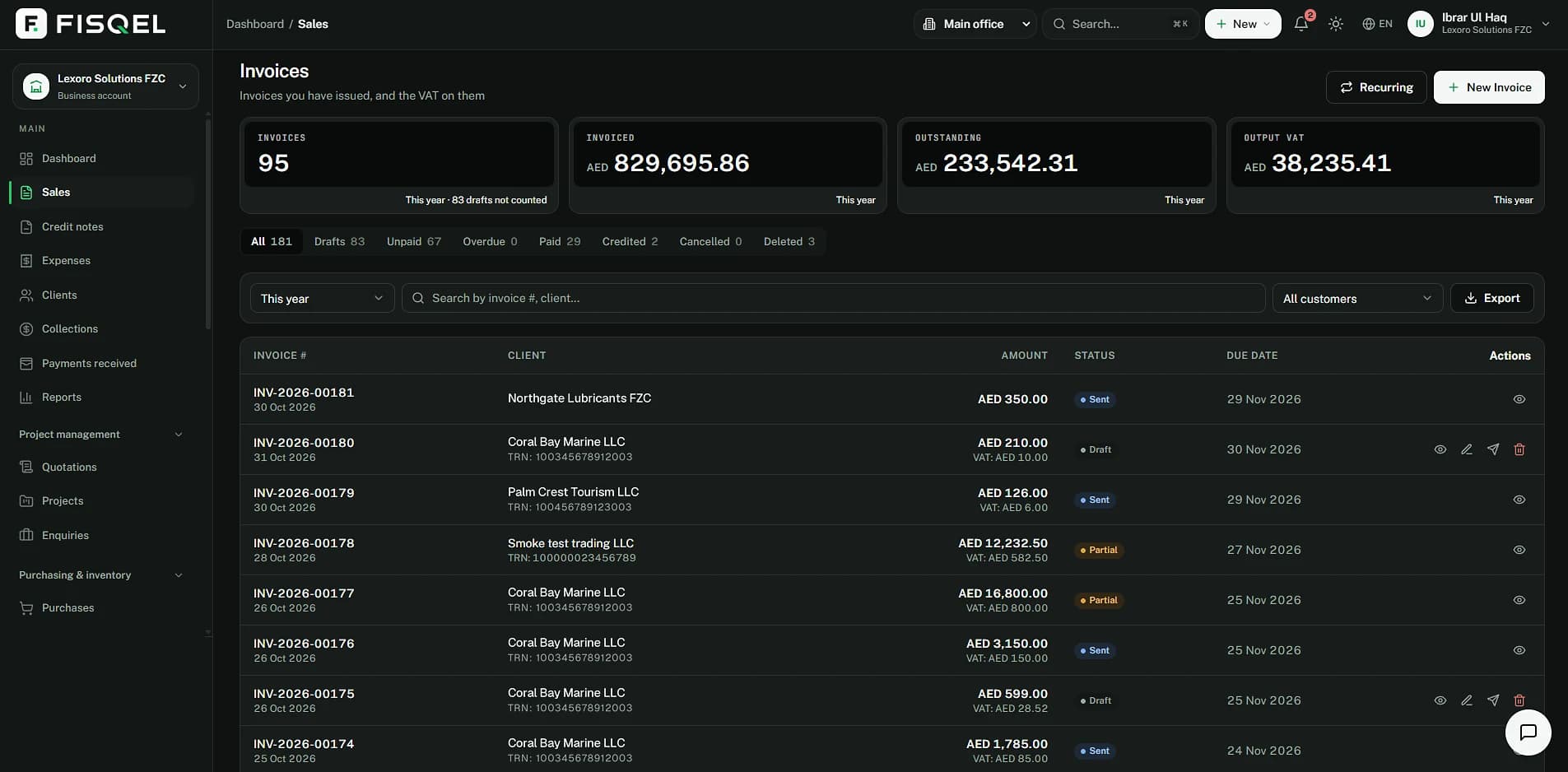
Every invoice, also in the app.
What you invoiced from WhatsApp is on the Sales page: status, VAT and what's still owed, with the totals for the year and output VAT at the top.
Behind the message
The invoice is booked the moment you confirm it.
What your customer owes goes to receivables, the sale to income, and the VAT to what you owe the FTA. Your VAT return picks it up from there.
When the AED 12,000 payment arrives, receivables drop by the same amount and AED 232.50 stays due.
| Account | Debit | Credit |
|---|---|---|
| Accounts receivable | 12,232.50 | |
| Sales | 11,650.00 | |
| VAT payable (output VAT) | 582.50 | |
| Balanced | 12,232.50 | 12,232.50 |
Questions
Can I use my own invoice numbers?
Yes. Set your prefix and starting number once in settings; Fisqel continues the sequence from there and never reuses a number.
What if a customer isn't VAT-registered?
The invoice simply leaves out their TRN. If the sale is zero-rated or exempt, Fisqel shows that on the line instead of 5%.
Can I invoice in USD or another currency?
Yes. Fisqel shows the VAT in AED and the exchange rate used, as a UAE tax invoice must, and asks for a rate if it doesn't have one.
Can I change an invoice after sending it?
Not the issued invoice itself. You raise a credit note against it, which keeps your VAT return and your customer's records right.
More of what Fisqel does
Expenses & receipts
Photograph a bill. Fisqel reads it, checks the VAT you can claim and files the image with the entry.
Learn moreVAT returns
Every line classified as you trade, so your Form 201 figures are ready when the period ends.
Learn moreQuotations & projects
Quote in a message, turn it into an invoice when it's accepted, and see what each job really earns.
Learn moreTeam & approvals
Staff send receipts from their own WhatsApp. You approve with a tap; Fisqel tracks who's owed what.
Learn more
Keep your books the way you run your business.
Start free — no card needed. Set up in an afternoon.
Free plan · No card needed · English and Arabic